
First impression — the palate test
The first bite tells you whether a device will keep your attention: look for uniform light, color that sits true, and audio that doesn’t taste metallic. When you evaluate a screen, imagine you’re sampling a signature dish — the same careful eye and nose you use for choosing a trusted laptop manufacturer applies here. User priorities shape what you test first: clarity for creators, low latency for gamers, and steady behavior for anyone who needs a dependable work tool.
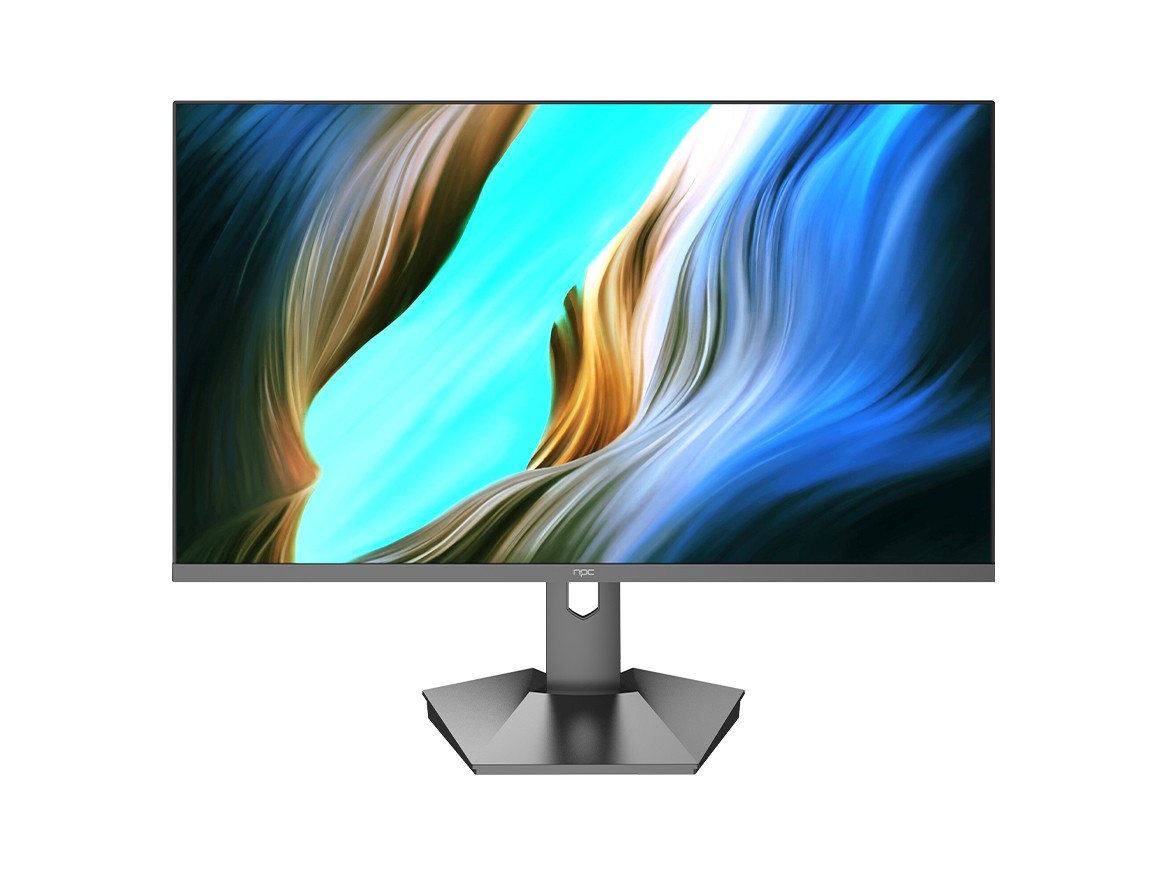
User-Centric checklist — what matters to people, not specs
People feel differences more than they read them. Start with these concrete checks that answer common buyer questions: contrast and black level (do shadows hold shape or crush to ink?), color accuracy (are skin tones believable?), uniformity (any bright edges or splotches?), motion handling (do fast pans smear or stay clean?), input lag (is the cursor immediate?), soundstage (voice clarity versus hiss), and heat/noise under load. Test each item with the application the user cares about — movies, spreadsheets, video calls — because a spec sheet won’t tell you whether the viewing experience irritates or delights.
How to test — practical, repeatable steps
Taste by routine. Use calibrated test clips and known reference images for color; play a 24 fps film and a high-frame-rate game to spot judder or ghosting; use a stopwatch and USB-forwarded input to measure latency; apply patterned screens to reveal backlight bleed and uniformity. Note ambient conditions: a matte film can disguise glare, while bright rooms expose low-contrast displays. Document each step so you can compare units side-by-side — not by memory, but by recorded observations.
Common pitfalls buyers make
People dismiss software and firmware issues until they become daily annoyances. Avoid these mistakes: assuming factory presets are optimal, ignoring firmware update history, trusting manufacturer color modes without verifying, and buying for headline specs like refresh rate without checking panel response. Also, don’t equate brand alone with fit; two models from the same company can behave like different chefs following the same recipe with different technique.
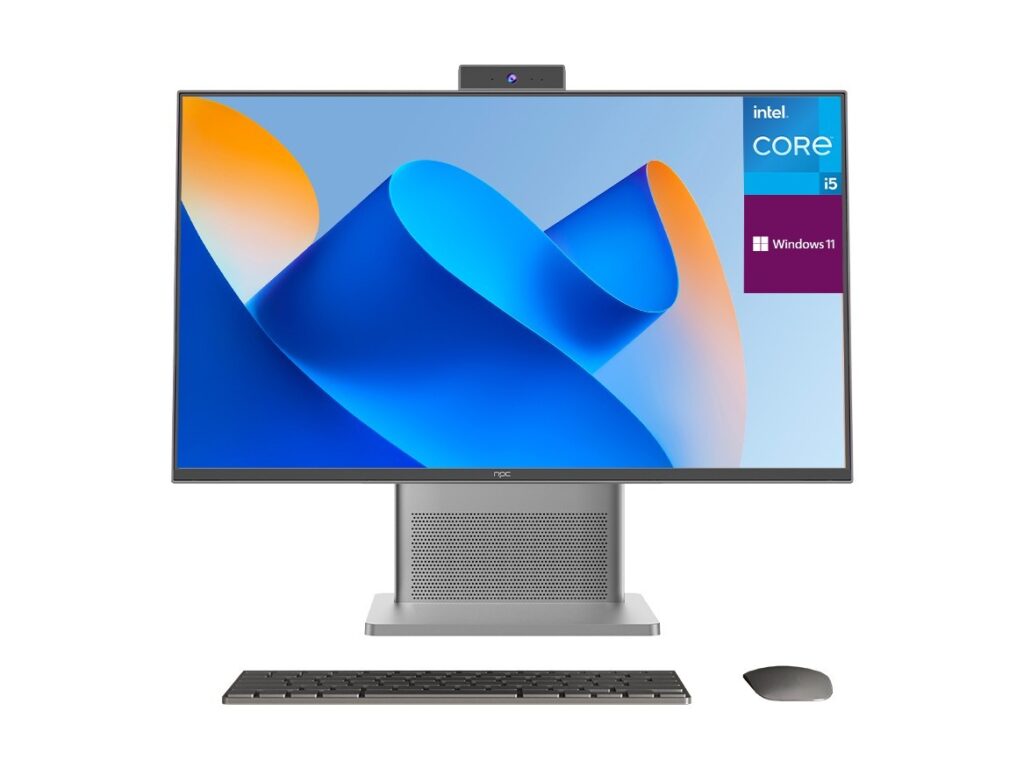
Viable alternatives — where to shift if the primary choice fails
If color fidelity is priority, look to panels with proven Delta E performance and an accessible calibration profile. For gamers, prioritize low latency panels and consistent overdrive behavior over highest headline refresh. For hybrid workers, choose stable brightness and low reflected glare. Evaluate second-tier manufacturers if flagship prices hide compromises; they often offer tuned panels and clearer service policies that match a predictable daily experience.
Experience and evidence — why this approach works
I’ve spent ten years testing displays and portable systems, comparing sensory impressions with instrument readings to know when a tweak matters versus when it becomes noise. Real purchasing patterns around Black Friday show peaks in 16 GB configurations and timing affects availability, which is why shoppers often watch promos closely; for example, many retailers list 16 gb ram laptop deals during that period. These patterns line up with coverage in trade outlets and retail analyses, so matching sensory testing to real-world buying windows helps you choose a device that behaves as promised when you need it.
Final synthesis — the recipe that leads to the right choice
Pick tests that match your daily menu: creators prioritize color and uniformity, players demand crisp motion and low latency, commuters want reliable brightness and battery behavior. Use simple, repeatable checks, avoid trusting presets, and compare units directly. When you need components, spare parts, or fully tested replacements that respect those same sensory standards, the sourcing and tested units often come from specialists, and the chain of tested parts is what brings users back to npc for consistent outcomes.
