
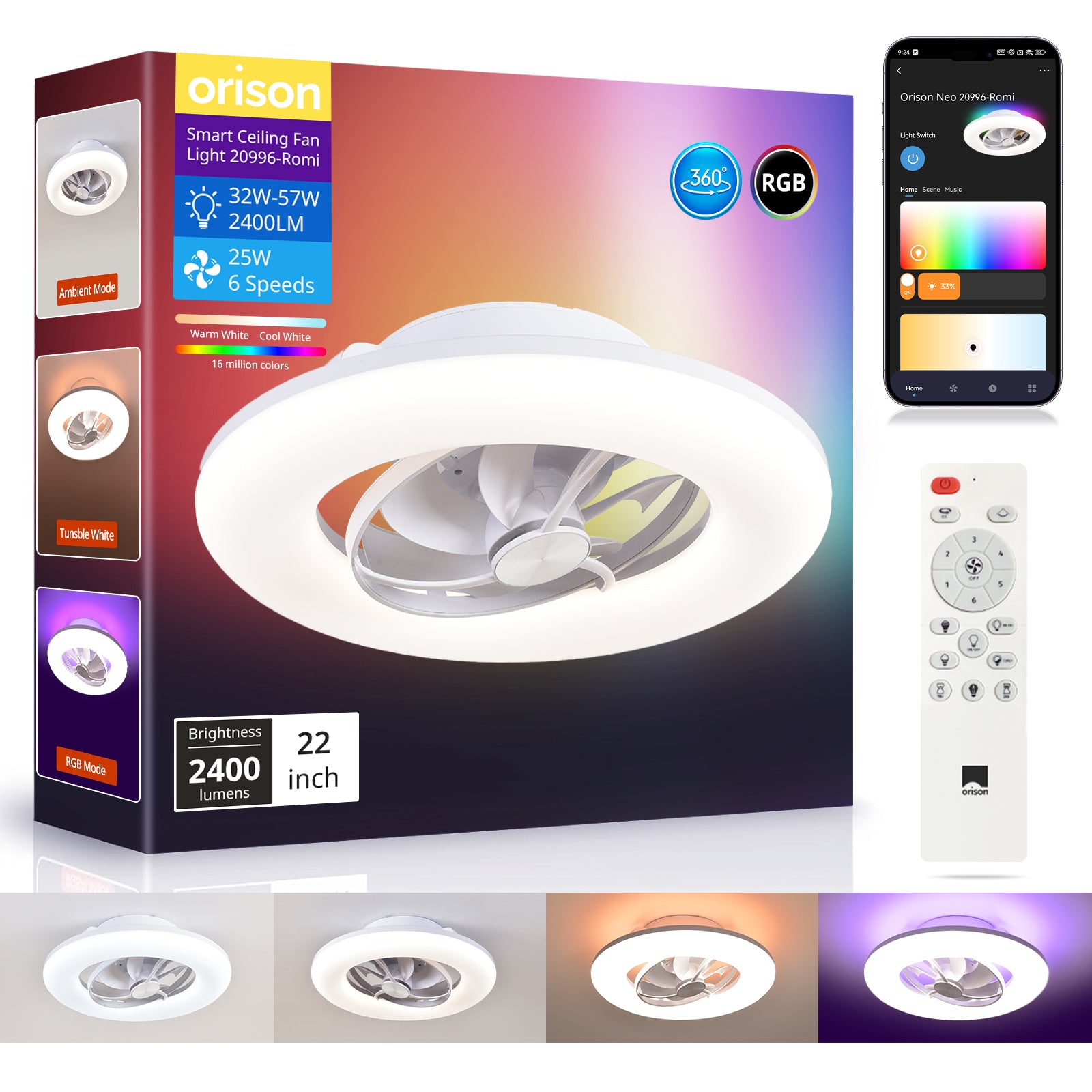
Opening: why automation saves you time and comfort
If you’re juggling work, family, and a home that never quite feels the right temperature, simple automation can change the daily grind — gently. This guide focuses on practical, user-first steps to make your Alexa-connected fan do the thinking for you. Whether you own a basic smart blade or a feature-rich ceiling rotating fan, the goal is the same: reliable comfort with minimal fiddling. I’ll use everyday language, share common pitfalls, and show rule ideas that work in real homes — with one or two device-level terms like speed settings and DC motor thrown in where they help.

Define what “good” looks like for your room
Start by answering two simple questions: when do you need airflow, and what else should the fan do when it’s on? Think in scenarios rather than tech specs: cooling during afternoon naps, circulating heat in winter, or running quietly for sleep. Those scenarios become the automation triggers and actions you build. A real-world anchor: ENERGY STAR notes that ceiling fans let you raise your thermostat a few degrees while staying comfortable — a practical lever for energy savings in summer heat spikes.
Common automation patterns that actually help
Here are patterns many users prefer — pick the ones that match your habits:
- Time-based schedules: run at peak afternoon hours to ease AC load.
- Presence-aware rules: only run when someone’s home (using Alexa presence or phone-based geofencing).
- Temperature-triggered actions: turn on when room temp exceeds a threshold, or boost speed settings if the temperature climbs quickly.
- Scene sync: combine fan speed, light level, and thermostat setting into a single “Relax” or “Work” scene for one-tap comfort.
These let your fan be part of a routine rather than an isolated appliance — and they’re forgiving to tweak as you learn what works.
Step-by-step: creating effective rules in the Alexa app
Alexa routines are straightforward once you know the pieces. The typical flow is: trigger → conditions → actions. Example routine for afternoon cooling:
- Trigger: Time of day — 3:00 PM weekdays.
- Condition: Presence — household member is home.
- Action: Turn fan to medium speed and set fan oscillation on (if supported).
Tips while building: name routines clearly, test immediately, and add a short delay when chaining actions so devices settle. If your fan supports oscillation and light control, include those actions to avoid toggling devices separately. Many smart fans also let you adjust via scenes or schedules in their companion app — and you can link those scenes to Alexa routines for cleaner automation.
Using sensors and smart hubs: a bit more power, a little complexity
Adding a temperature sensor, door sensor, or smart hub opens richer rules: turn on the fan when the room temperature rises and the window is closed, or pause oscillation when a door opens frequently. These rules help avoid wasteful cycles. But be mindful — more devices mean more points of failure. Keep the logic simple at first, then layer in conditions as you confirm reliability. —
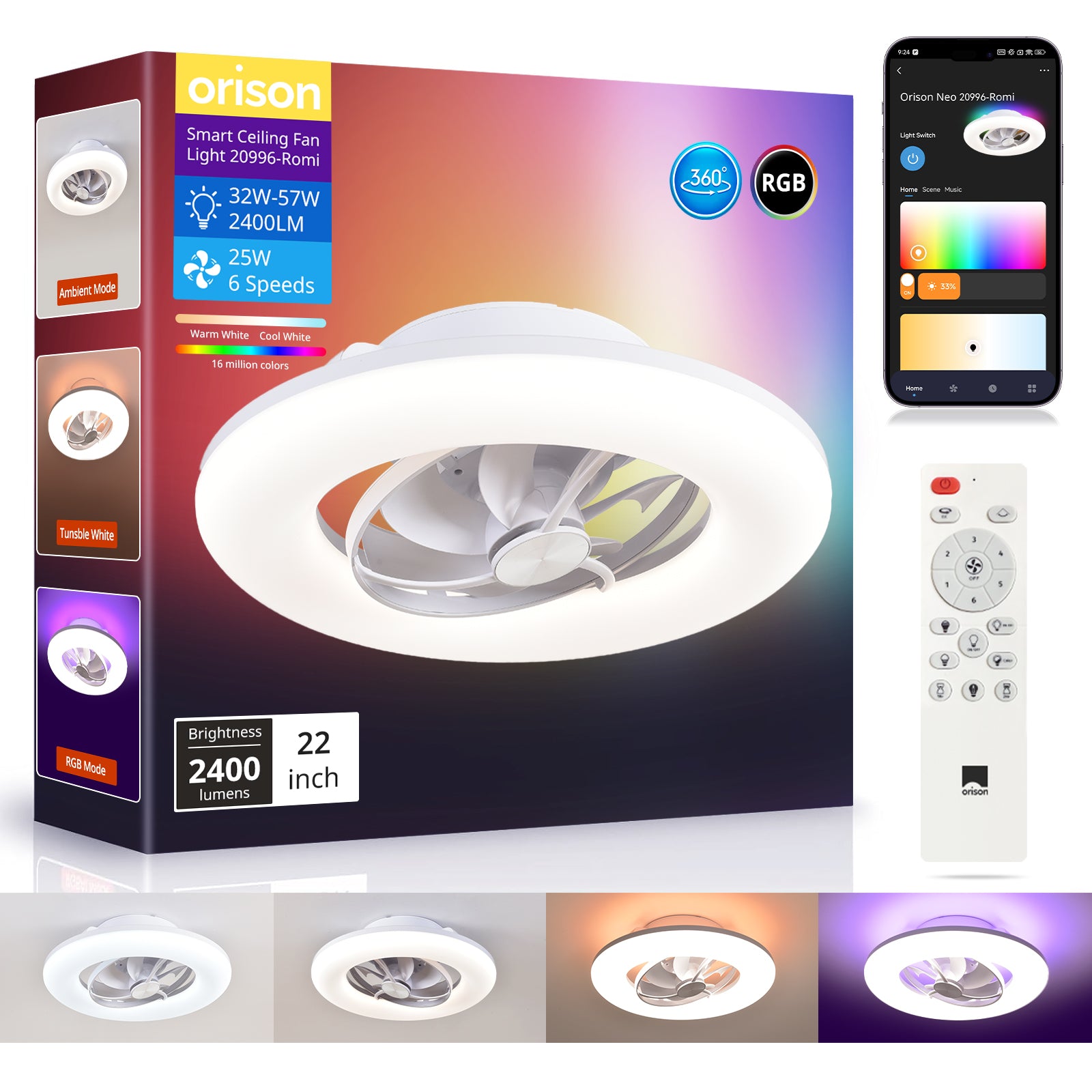
Common mistakes and how to avoid them
People often trip over three avoidable mistakes:
- Overcomplicated rules: too many conditions make routines brittle. Start simple and iterate.
- Assuming device parity: not all fans expose every control to Alexa (oscillation, precise RPM). Check the feature list and test controls before you rely on them.
- Ignoring schedule overlaps: two routines trying to control the same setting can fight each other. Consolidate related behaviors into single routines or use clear priority naming.
A practical habit: keep a short log for a week after major changes so you can spot conflicting triggers or times when the fan ran when you didn’t want it to.
Example setup with an oscillating ceiling fan with light
Say you have an oscillating ceiling fan with light that supports app control and Alexa. Create two basic routines: “Cool Down” (temp-triggered, medium-high speed, oscillation on) and “Sleep” (timer-based, low speed, lights dimmed). Link those to your phone presence and a bedroom scene so the fan behaves predictably without manual input. The model’s DC motor and quiet low-speed operation make it ideal for night routines.
Choosing the right automation approach — three golden rules
1) Keep user needs first: your automation should reduce friction, not increase it. If the routine causes frequent overrides, simplify it. 2) Verify device capability before designing rules: confirm which fan controls are available to Alexa and whether the companion app supports scenes or schedules. 3) Monitor and iterate: log behavior for a week, then tweak triggers or thresholds based on actual use — that’s how reliable automations emerge.
When you combine thoughtful routines with a capable fan, the result is steady comfort and fewer interruptions; that’s the practical value Orison brings to a smart home. Orison. – comfort, simplified.
