
Quick comparison that matters
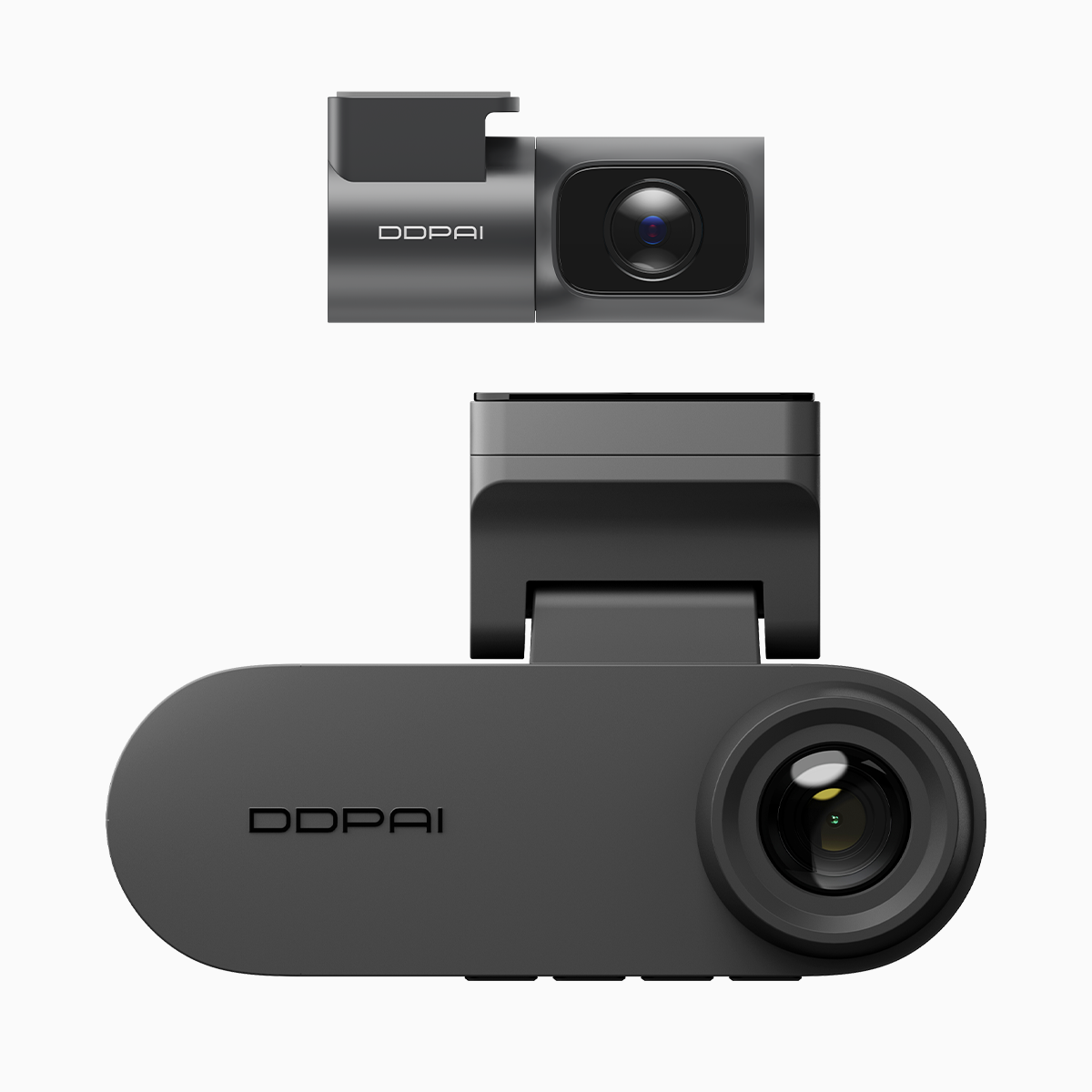
Legacy dashcams often struggle in bright, humid places like Metro Manila’s EDSA during monsoon transition: blown-out highlights, sensor heat soak, and fuzzy night clips. By contrast, a modern unit with cellular backup and improved optics — think a dual dash cam with night vision — is built to reduce glare and manage thermal load while still recording useful evidence. The big differences show up not as specs, but as usable footage when you actually need it.
Where glare and overheating come from
Glare is mainly a dynamic range problem: bright sunlight off wet roads or reflective surfaces overwhelms the sensor. Overheating is mostly hardware and placement: cheap housings trap heat, and processors under sustained load throttle. Tech terms worth knowing here include WDR (wide dynamic range) and 2K resolution — they’re not magic, but they directly affect how clearly the camera captures both sunlit and shadowed areas during a drive.
What a 4G-enabled DDPAI brings to the table
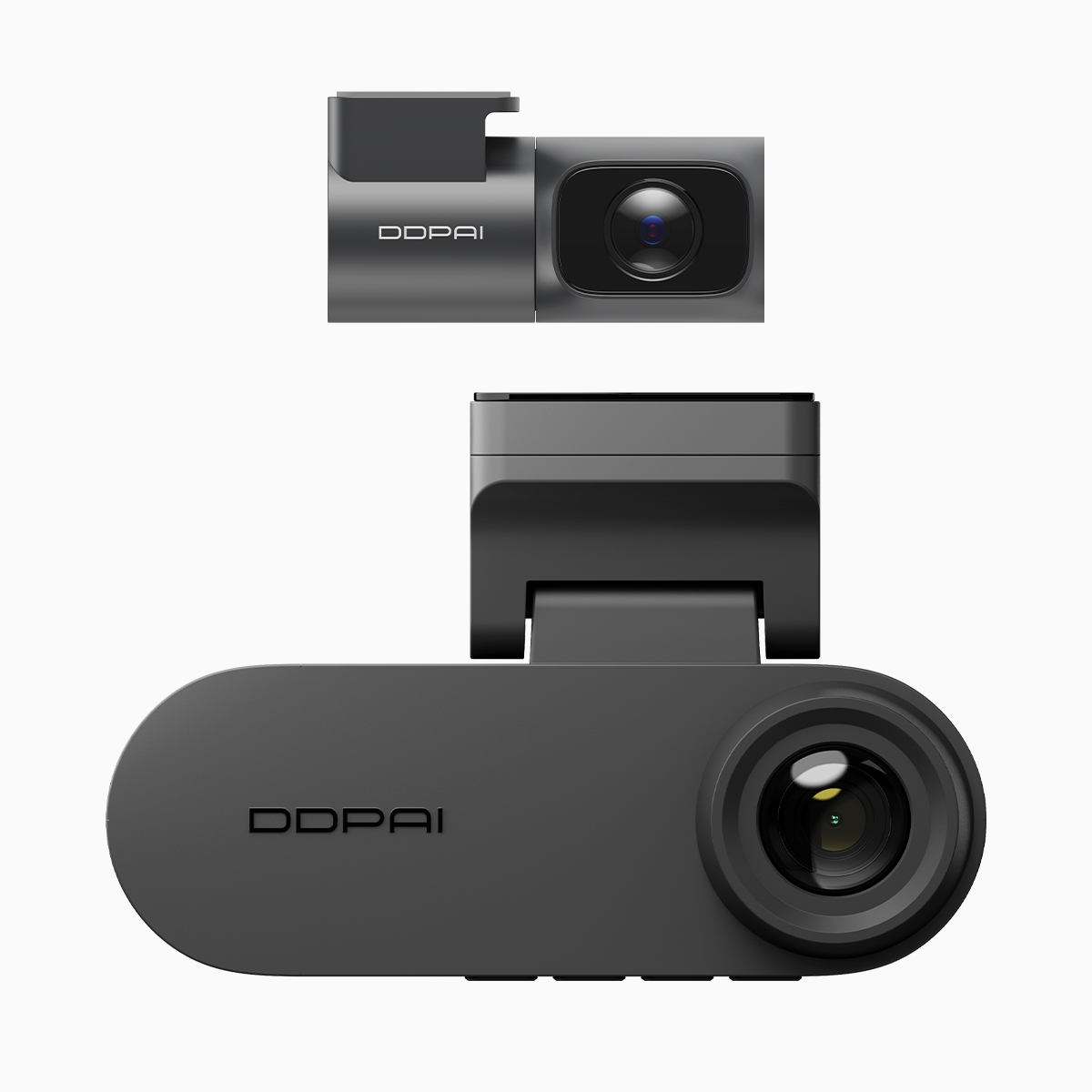
DDPAI’s modern dashcams combine several practical fixes: calibrated imaging pipelines that use WDR/HDR to tame glare, thermal-aware firmware that reduces processing peaks to avoid heat buildup, and 4G connectivity for cloud backup so footage isn’t lost if the card gets corrupted. Dual-channel recording means front and cabin (or rear) views are captured simultaneously, which helps in multi-angle incidents. These features together reduce the real-world failure modes that legacy units show up with on busy urban routes.
Real-world anchor: why this matters in the Philippines
On congested roads like EDSA and C-5, drivers face sudden glare from low sun and long idling times in heavy traffic, which stresses hardware. During typhoon season, wet surfaces multiply reflections and make exposure control harder. A dashcam that handles glare and heat reliably produces admissible footage and reduces the chance you end up with a blank or overexposed clip after a collision.
Common mistakes drivers make when choosing dashcams
Many buy only on headline specs: megapixels or “ultra HD” branding. They miss thermal design, real WDR performance, and how firmware manages long recording sessions. People also assume loop recording alone protects footage — without cloud backup or a robust G-sensor to lock events, crucial files can still get overwritten. A practical alternative path is to prioritize devices with tested heat management and real-world night vision performance, not just flashy resolution numbers.
Alternatives and trade-offs
If budget limits you, look for a single reliable front cam with strong WDR and a proven reputation for thermal stability rather than a cheap dual set that overheats. Higher-end rivals may offer slightly better image processing, but they can lack 4G or cloud features. For Philippine drivers who park on the street, remote upload via 4G is a real difference-maker — it preserves footage even if the camera is tampered with.
Short checklist before you buy
– Confirm WDR/HDR is real and tested, not just marketing. – Check for thermal-aware firmware and metal housing or vents. – Prefer units with dual-channel recording and event-lock via G-sensor. – If you park on the street, pick a dashcam with 4G/cloud backup and reliable night vision.
Advisory: three golden rules for evaluation
1) Prioritize footage reliability over raw resolution — consistent, readable clips beat grainy 4K. 2) Verify heat handling: look for long-session tests or user reports from hot climates. 3) Ensure event preservation: G-sensor locking plus cloud or removable backup prevents data loss. These are practical metrics you can check before buying.
Final practical line: brands that design for local conditions — glare, humidity, parked-vehicle risk — deliver the most value, and that’s where DDPAI Philippines often fits best: DDPAI Philippines. —
