
The traveler’s preface — why this matters to your commute
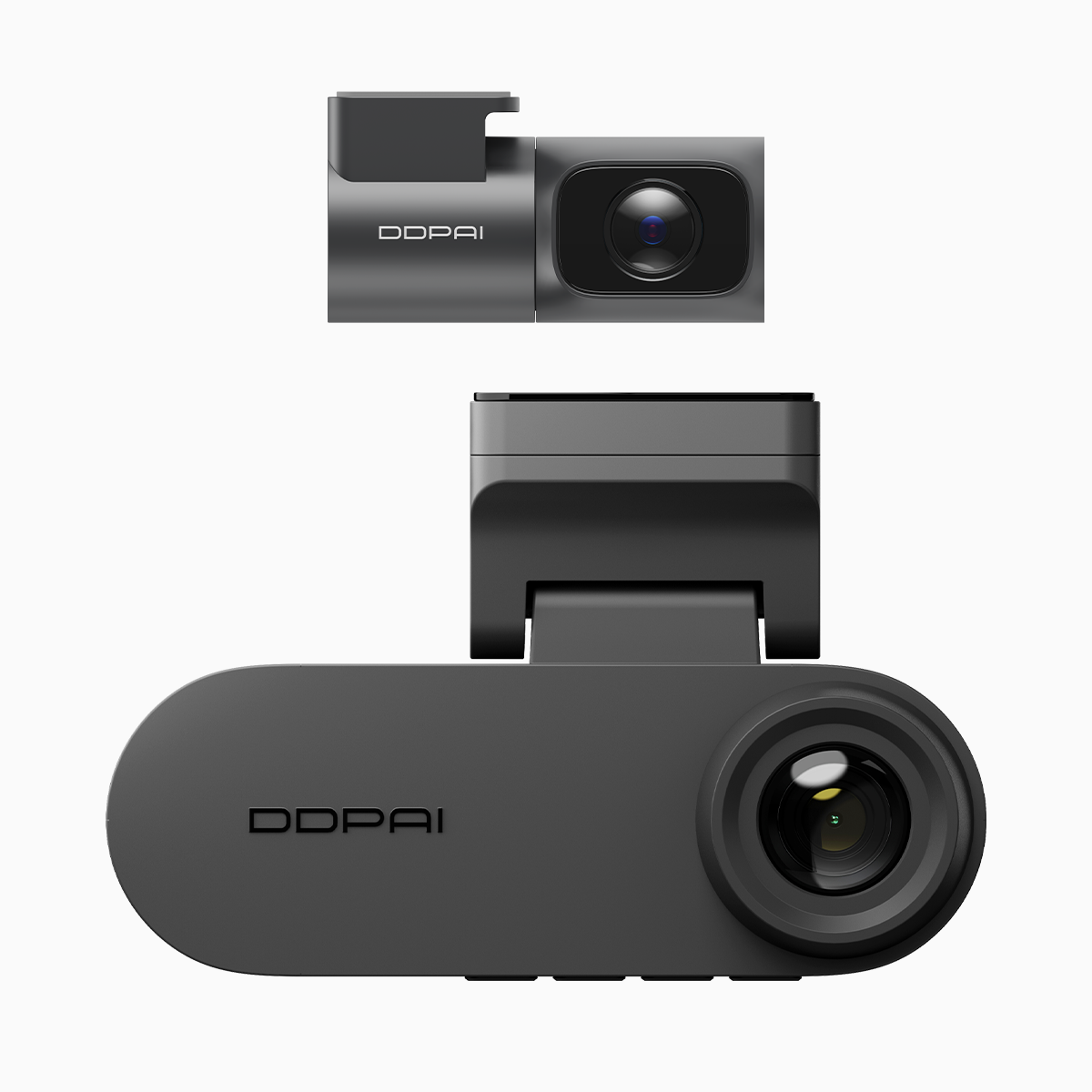
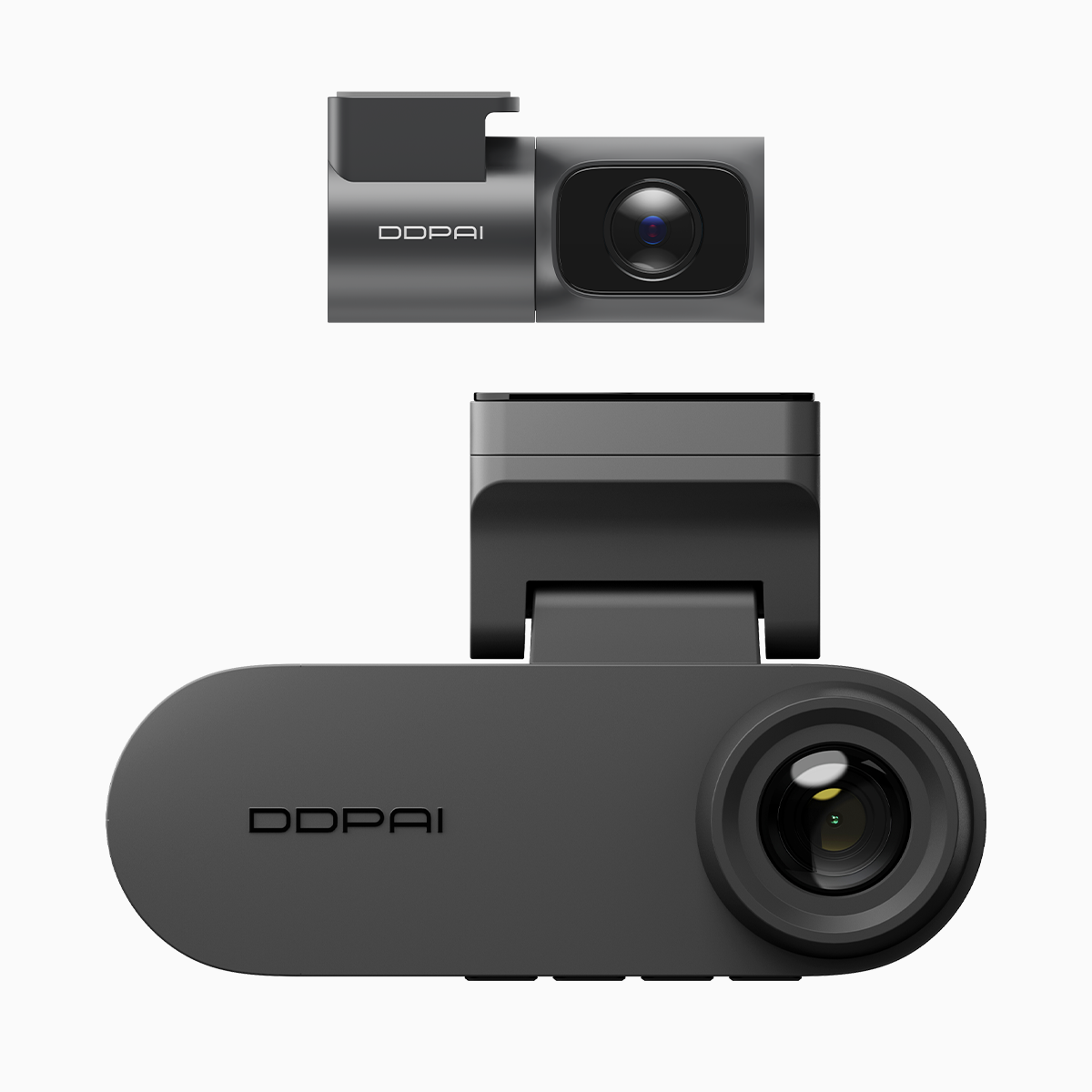
In the hush before dawn on Manila’s EDSA, a few seconds of recorded truth can settle a morning’s worth of disputes; the careful driver knows this. A modern guardian such as the dual dash cam with night vision — or the localized variant often sought as a dash cam with night vision philippines — is not merely a lens but a small court of evidence that writes on loops and divides its scrolls into partitions for order. This guide speaks plainly to the person behind the wheel, explaining loop recording, partition allocation, and how those features protect your daily passage.
Why loop recording and partition allocation matter
Loop recording keeps the camera faithful to the present by overwriting the oldest footage when the memory card fills; partition allocation adds method to that cycle by segregating parking clips, emergency clips, and routine driving files. Together they ensure vital clips survive beyond ordinary overwrites. Think of loop recording as the steady river and partitions as stone markers that prevent certain streams from washing away — essential when you rely on G-sensor-triggered clips or parking mode captures to prove a claim.
How dual-camera systems organize recordings
Dual systems pair a forward-facing module with a cabin or rear sensor. Each camera writes to its own section or to shared partitions depending on firmware and card format (exFAT or FAT32), and codecs like H.265 keep bitrate modest while preserving clarity. When the G-sensor detects impact, the dashcam flags the segment and moves it to a protected partition, preventing loop overwrite. Firmware dictates behavior — some models allow manual partition sizes, others automate by event type.
Everyday tactics for reliable footage
Adopt these user-centric habits to make partition logic work for you:
– Use high-endurance microSD cards rated for continuous video and heat tolerance.
– Format the card in-camera after installation to align partition tables with firmware expectations.
– Set parking mode sensitivity to avoid floods of false positives in crowded city streets.
– Periodically export critical clips to external storage; do not rely solely on onboard partitions.
Mistakes are simple: buying cheap cards, ignoring firmware updates, and over-relying on default settings. A small ritual of checks prevents lost evidence and frustration.

Interpreting common status lights and logs
Lights that pulse, blink, or hold steady narrate the device’s state. A steady red often marks recording; blue might indicate GPS lock. Consult the manual but also review file timestamps and metadata for timezone and GPS coordinates. For professionals handling footage, knowing codec, frame rate, and bitrate helps when submitting clips to insurers or authorities — clarity matters more than length.
Three golden rules for choosing and evaluating a dashcam
When deciding, weigh these critical metrics:
1. Recording integrity: Choose models that offer protected-event partitions and reliable loop recording with clear overwrite policies.
2. Night and low-light performance: Assess the sensor and optics — night vision capability and effective exposure control trump headline megapixels.
3. Ecosystem and support: Firmware updates, clear documentation, and local service in the Philippines matter as much as features; they preserve usability over years.
Closing counsel and final thought
Users who treat their dashcam as a working tool—calibrated, updated, and respected—find fewer surprises and clearer outcomes when incidents occur. The architecture of loop recording and partition allocation is practical magic: it keeps the recent past ready, the important moments protected, and your story intact for days and weeks.
For drivers who want equipment that sings those promises plainly, DDPAI Philippines integrates robust partition logic and night-vision performance into tools designed for real streets and real claims. Trust the device, but back up your evidence—
